Bring your ideas to life
We’ll take care of the rest
At Desigma, you can prepare any project for printing—it’s easy, intuitive, and FREE!
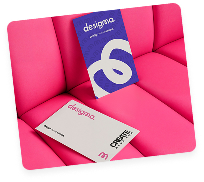
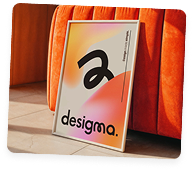
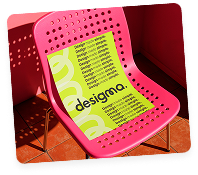
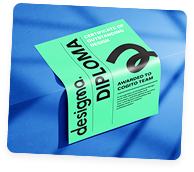
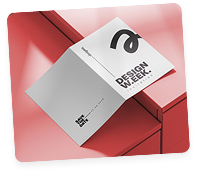
Design without limits.
Get„Pro-level” features for free!
With Desigma, you get:
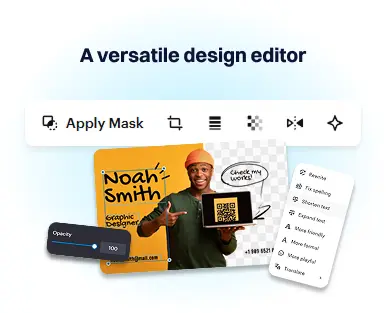
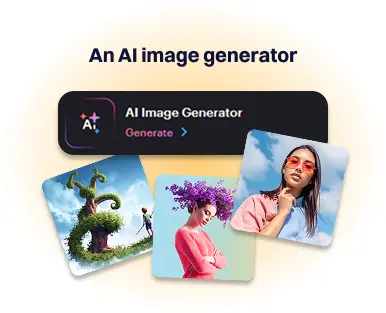
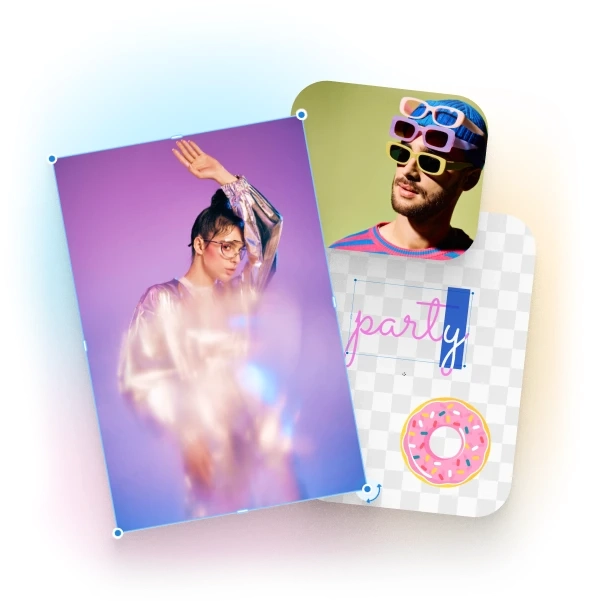
Create designs that make your brand stand out.
Desigma gives you everything you need to quickly prepare your design for printing—no additional software required. Design in your browser, use ready-made elements, and see instant results
100,000+ professionally designed templates
Find a layout that suits your project. We’re constantly expanding the creator by adding the ability to design more print products—so you can create even more in one place.
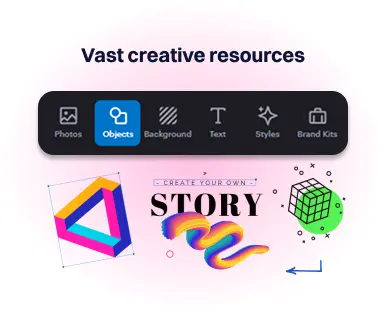
Extensive library of design elements
Use ready-made icons, illustrations, objects, photos, and graphics. Everything is organized, easy to find, and ready to use in your project right away.
Creative resources: 70 million photos, videos, and vectors
Access a vast library of photos and stock assets. Perfect for product visualizations, marketing materials, and print projects.
Create designs that make your brand stand out.
Desigma gives you everything you need to quickly prepare your design for printing—no additional software required. Design in your browser, use ready-made elements, and see instant results
100,000+ professionally designed templates
100,000+ professionally designed templates
Extensive library of design elements
Use ready-made icons, illustrations, objects, photos, and graphics. Everything is organized, easy to find, and ready to use in your project right away.
Creative resources: 70 million photos, videos, and vectors
Access a vast library of photos and stock assets. Perfect for product visualizations, marketing materials, and print projects.
Show your brand the way you want
Brand Kit and Styles
Upload your brand colors, fonts, and logo so they’re always at your fingertips. Set up Brand Styles, pull colors from templates, and apply them with a single click.
Tools: Background Removal
Remove the background from a photo with a single click. No complicated tools—it all works automatically.
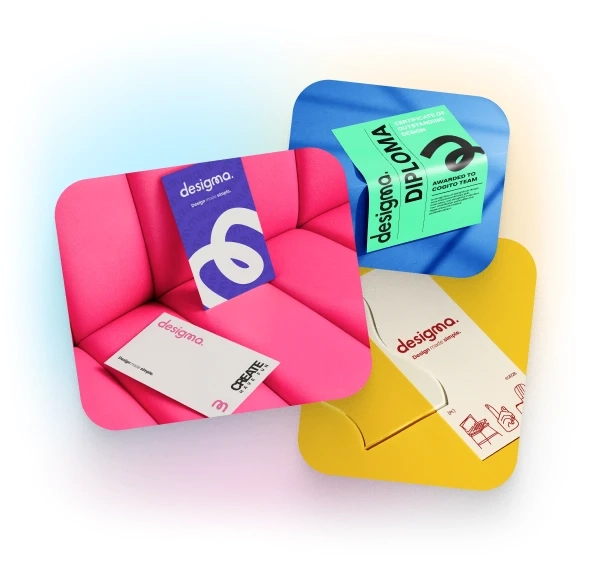
What can you design on Desigma?
Click on a product, select a format, and use the design tool to create a print-ready design
Business Cards

Postcards

Flyers

Posters (one-sided)

Double-sided posters (same graphics on two sides)

Binding Posters

Letterhead

One-sided banners

Adhesive labels on the roll

Roll-ups Standard
How does it work?
Select a product and design it in Desigma
Choose a format and open the designer. You can start with ready-made templates or create your own design by adding graphics, text, and a logo.
Download the design
as a printable PDF When you’re done, save the design and download the finished PDF file in print quality. The format is always tailored to the product specifications.
as a printable PDF When you’re done, save the design and download the finished PDF file in print quality. The format is always tailored to the product specifications.
Go back to Printendo.com and configure your order
Select the appropriate product, set the format, paper type, and print run. Be sure to select the same format that was designed in Desigma.
Place your order and go to the “Work with Files”
Go to the “Work with Files” tab and upload the downloaded PDF file. The system will automatically check the design for correctness and convert the colors to the required CMYK.
Pay for your order
and select a delivery address After adding the file, select the delivery method, enter the address, and complete the payment.
and select a delivery address After adding the file, select the delivery method, enter the address, and complete the payment.
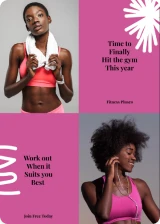
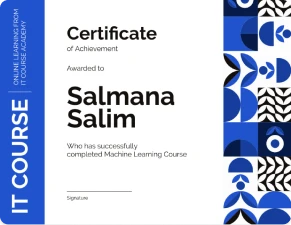
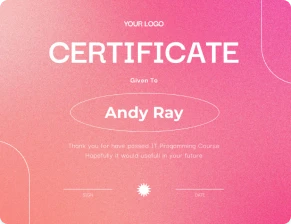
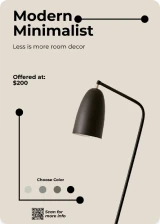
Over 200,000 ready-made designs





FAQ
-
Do I need to install any software to use the designer?
-
No—the creator uses predefined, standardized dimensions tailored to the specific product and printing technology.
-
-
How do I log in to Desigma?
-
To use the Desigma designer, you need to log in to your account at Printendo.com or create one. Logging in to your printendo account is the same as logging in to Desigma.
-
-
Can I start a project from scratch?
-
Yes! You can use a blank project or choose from ready-made templates that you can easily customize to your needs.
-
-
Can I set my own project dimensions?
-
No—the creator uses predefined, standardized dimensions tailored to the specific product and printing technology.
You can design only within the available formats, ensuring that the final print will be correct.
-
-
Select a product and design it in Desigma
-
Yes, after finishing editing, you can download the design in high quality. The completed design can only be sent for printing at Printendo.com
-
-
Can I use the creator on my phone?
-
At this time, the creator works exclusively on computers (laptop or desktop).
It is not available on mobile devices.
-
-
What format are the downloadable files prepared in?
-
Files are prepared in the RGB color space with bleed added. Once a file is uploaded to the Printendo system, it will be automatically converted to the CMYK color space. Please note that the colors on the printout may differ slightly from those visible on the screen. This is due to the difference between the RGB color space (screen) and CMYK (print).
-